Home › Features › Habit tracker
A family habit tracker for the fridge, for kids and grown-ups
FridgeBoard is a habit tracker for the whole family that shows on the fridge, on an iPad you already own, and on every phone at home. Tick off a habit (read today) or count it (6 glasses of water), and the habit chart fills itself in. Reading minutes can even earn screen time.
Why a habit chart on the fridge works better than an app
Habit tracker apps are good for one adult with one phone. They’re not much use for a seven-year-old who should be reading every night, or for a family where everyone is trying to drink more water. The habit is forgotten because nobody sees it.
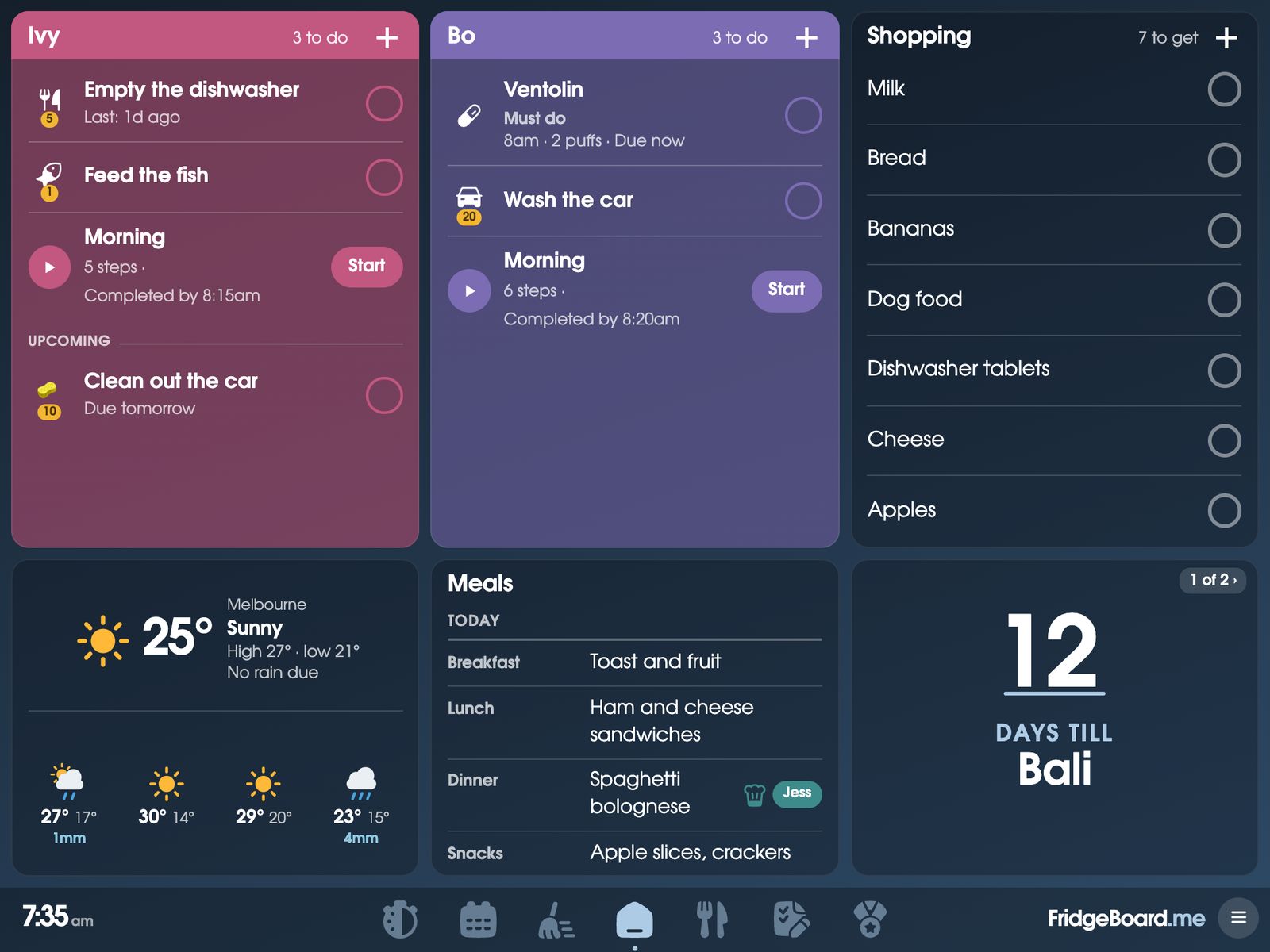
On the shared screen, each person’s habits are on their card, where they look every morning. A tap ticks it off. A child can see they’ve read five nights in a row, and you can see it without asking. The chart builds itself as you go, so there’s no Sunday-night colouring in.
Tick it or count it
- Tick habits. Yes-or-no things: read today, practised piano, made the bed, took vitamins.
- Count habits. Things you do several of, with a goal for the day: 6 glasses of water, 3 pieces of fruit, 20 push-ups. Tap + for each one, and a bar shows how close you are.
- Add up minutes. A reading log for kids, practice time, time outside. Add 5 minutes at a time towards a daily goal.
- Coins if you like. A habit can earn coins each day the goal is met, which go to the rewards shop.
- For pets too. Count how often the dog went out, or keep a note of something to tell the vet.
A habit chart that fills itself in
Every tick and every count is kept, and FridgeBoard draws the chart for you, like a paper habit chart on the fridge but without the pens. See this week for everyone in the family, or this month for one person. Tap a habit on the shared screen to see the week big, with a bar for each day in that person’s colour. A Habits card on Home can show everyone’s habits at once, or a month chart for one person.
Reading minutes that earn screen time
This is the one many parents ask for. Set reading as a minutes habit, and choose what each minute earns: screen time, coins, or nothing. Ten minutes of reading might earn ten minutes of screen time, to be used on the days you choose, such as weekends. You decide whether unused time is cleared or kept when the week ends.
When it’s time to use it, start the screen time from a phone or the shared screen. A countdown shows on the shared screen, and when it reaches zero a sound plays and “Bo’s time is up” stays until someone taps it. No more arguing about whether it’s been an hour.
A symptom diary for the doctor
Some things are worth tracking for a while: headaches, tummy aches, eczema flare-ups, how well someone slept. Note it when it happens, with a few words, and FridgeBoard keeps a record you can download as a spreadsheet to take to the doctor. It’s a diary, not medical advice; your doctor is the one to make sense of it.
Private habits, and habits that stay off the shared screen
Not every habit belongs on the fridge. A habit can show on every shared screen, only some of them, or only on phones. Adults don’t see each other’s habits on their phones; parents can see their children’s. So a grown-up can track their own water, steps or a symptom without the whole kitchen seeing it.
Habit ideas for kids, and how to make them stick
- Reading every day. A minutes goal suits early readers better than “one book”. Start with 10 or 15 minutes.
- Water. A count of glasses (or bottles) is easy for children to tap, and they like watching the bar fill.
- Practice. Piano, times tables, spelling words: a few minutes a day beats an hour on Sunday.
- Fruit and veg. Count pieces, with a goal that’s a little above where they are now.
- Outside time. Minutes outside, especially in winter.
A few things that help: start with one habit per person, not five. Make the goal small enough to hit on a busy day. Tick it at the same time each day, such as straight after dinner. And look at the week together, because a run of ticks is something to be proud of. Habits sit well alongside morning and bedtime routines: reading can be the last step before lights out.
Setting it up
- On your phone, go to fridgeboard.me and tap Try it free. Add who lives at home.
- Add a habit: who it’s for, tick or count or minutes, a goal for the day, coins or screen time if you like, and where it shows.
- On the iPad, open Safari, go to fridgeboard.me, tap Open, then Use this as the shared screen. Scan the code with your phone.
- Tick habits on the shared screen or on a phone. The chart fills itself in.
It runs on any iPad from the iPad 2 on, Android tablets and computers. Turning an old iPad into a family screen.
Questions
Is there a habit tracker for the whole family?
Yes. FridgeBoard tracks habits for each person on a shared screen on the fridge and on every phone at home. Habits can be ticked or counted, and the habit chart fills itself in for the week or the month.
Can kids earn screen time by reading?
Yes. Make reading a minutes habit and choose for each minute to earn screen time. Children use it on the days you choose, with a countdown on the shared screen and a sound when time is up.
Can I track water, like glasses a day?
Yes. A count habit with a daily goal, such as 6 glasses of water, shows a bar that fills with each tap. It can earn coins on the days the goal is met.
Can I keep a headache or symptom diary for the doctor?
Yes. Note it each time it happens, and download the record as a spreadsheet to take along. It’s a record only, not medical advice.
Can a habit be private?
Yes. A habit can show only on phones, never on the shared screen. Adults don’t see each other’s habits on their phones.
Is there a subscription?
No. FridgeBoard is one payment for the whole household (US$24 plus tax in the US, A$39 in Australia), with habits, chores, the calendar and every other feature included.