A family calendar on a smart TV, laptop or any screen with a browser
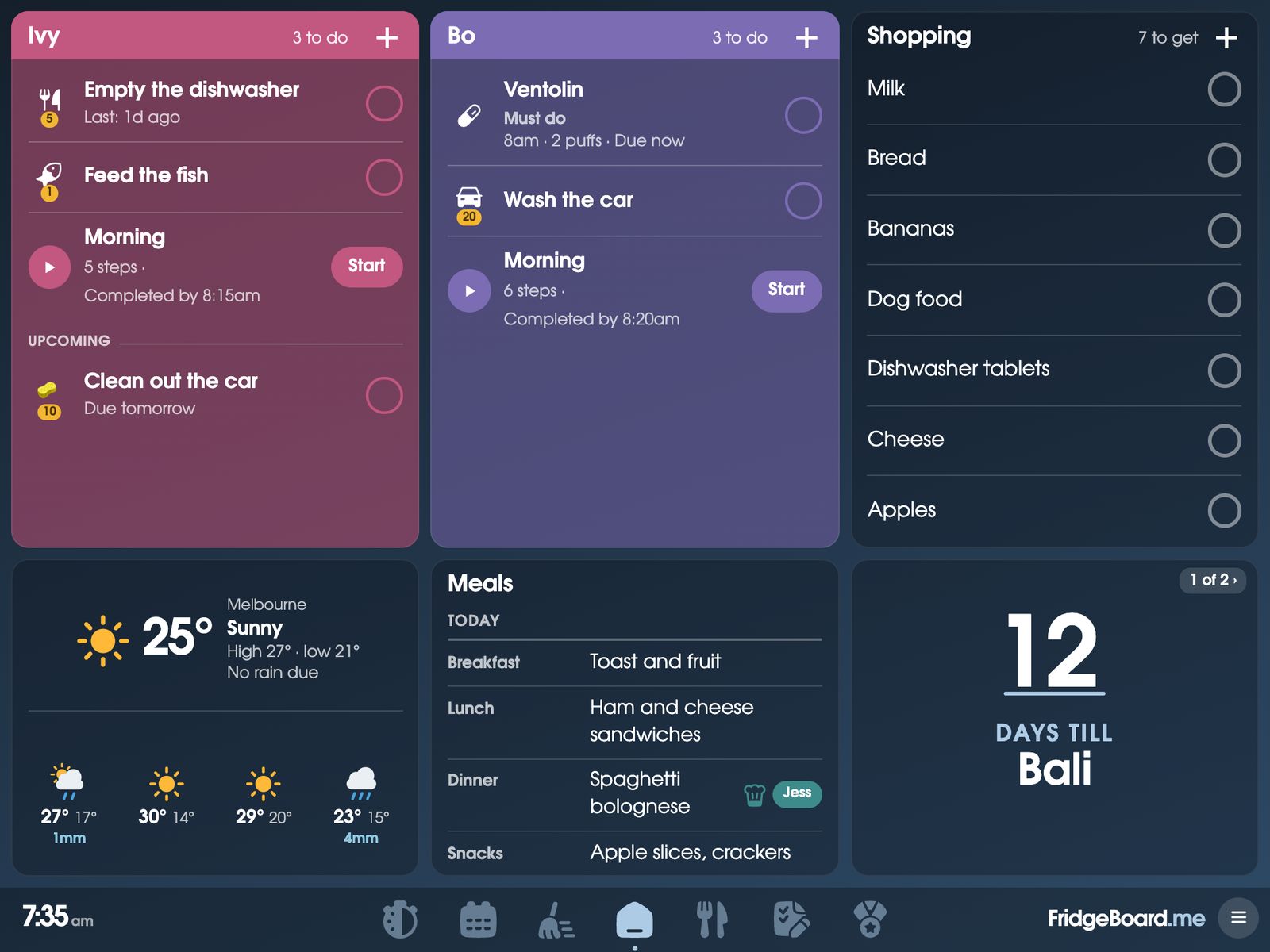
FridgeBoard runs in a web browser, so the family calendar, chores, shopping list and meals can go on almost any screen you already have: a laptop or desktop, a smart TV, an Echo Show, a fridge with a screen like Samsung Family Hub, or a calendar display that can open a web page. It stays in sync with every phone at home. Some screens can’t open web pages at all, and this page is honest about which.
The short version
- Works: any iPad from the iPad 2 on, Android tablets, laptops and desktop computers (Chromebooks and Surface tablets too), the Amazon Echo Show 15 and Fire tablets, smart TVs with a web browser, and fridges with a screen such as Samsung Family Hub.
- Should work, try it first: smaller Echo Shows, and calendar screens that can open a web page full screen.
- Doesn’t work: Google Nest Hub, and Chromecast or streaming sticks without a web browser, because they can’t open web pages. An Amazon Fire TV should work, in its Silk browser.
We can’t test every model and software version, which is why the 5-day free trial needs no card. Open fridgeboard.me on the screen, see how it looks, and only pay if it works for you.
What families run it on
These are screens families have told us they use every day: iPads from the iPad 2 to the 13-inch iPad Pro, an older Kindle Fire, a 24-inch Android tablet, the Echo Show 15, a 15.6-inch Chromebook, Microsoft Surface tablets, a 23-inch touchscreen all-in-one PC, a laptop cast to a bigger TV, a Hitachi smart TV’s browser and a Fire TV’s. Setting up an Echo Show · Going bigger.
A laptop or desktop as the family calendar
A spare laptop on the bench works well, with a touch screen or a mouse. So does a desktop computer in the study or a kitchen nook. Open fridgeboard.me in any up-to-date browser (Chrome, Safari, Edge or Firefox), tap Open, then Use this as the shared screen, and scan the code with your phone.
- Keep the screen on. On a Mac, System Settings › Lock Screen, set the display to never turn off while on power. On Windows, Settings › System › Power (Power & battery, or Power & sleep), set the screen to never turn off when plugged in. FridgeBoard’s sleep screen and night mode rest the screen overnight.
- Go full screen. Press F11 in most Windows browsers, or Control-Command-F on a Mac.
- Keep it plugged in. A laptop that’s always on charge is fine on a cool, hard surface.
- An old laptop is fine. If the lid hinge is tired, fold it open on a stand and use it like a screen.
A family calendar on a smart TV
If your TV already has a web browser, it will work: most Samsung and LG smart TVs do. Many common smart TVs run Android (Google TV or Android TV), and you can add a web browser from the TV’s Play Store. Families run it on a Hitachi smart TV and a Fire TV. Open the browser, go to fridgeboard.me and connect it like any other screen. The TV shows the calendar, everyone’s chores and the shopping list where the whole family can see them, and you tick things off on your phone. It suits a TV in the kitchen or family room that’s often on anyway.
Some TVs turn themselves off or start a screensaver after a while; look in the TV’s power-saving or general settings.
Echo Show and Fire tablets
An Amazon Echo Show can open FridgeBoard in its Silk browser. Small screens get a simple at-a-glance Home, so it reads well on a small Echo Show on the bench. Fire tablets use Silk too: see Android and Fire tablets for keeping the screen on.
A fridge with a screen, like Samsung Family Hub
Families use FridgeBoard on a Samsung fridge with a screen. Fridges like Samsung Family Hub have their own web browser: open fridgeboard.me in it and connect it with your phone, and the family calendar lives right on the fridge door, in sync with everyone’s phones.
Cozyla and other calendar screens with a web browser: keep the screen, drop the subscription
If you already own a family calendar screen and it can open a web page full screen, FridgeBoard can run on it. Skylight doesn’t list a web browser on its screens, so FridgeBoard is unlikely to run on one. A Cozyla can, with Chrome installed from Google Play. Other calendar displays vary, so check yours with the free trial. You keep the screen you paid for, and FridgeBoard is one payment with no yearly plan. See how FridgeBoard compares with these screens.
What doesn’t work
- Google Nest Hub. It doesn’t open web pages any more, so FridgeBoard can’t run on it.
- Chromecast and streaming sticks. They can’t open web pages either, unless you can install a browser on them. An Amazon Fire TV is the exception: try it in Silk.
- The very first iPad, from 2010. Every iPad since, from the iPad 2 on, works. See using an old iPad.
No screen at all? An iPad or Android tablet is usually the easiest, and secondhand ones are cheap. Every phone at home also gets the whole household in its web browser, so you can start on phones and add a shared screen later.
Choosing a spot and a screen: practical tips
- Touch helps. Children tick chores and start routines on the shared screen. On a TV or a computer without touch, an adult ticks for them from a phone.
- Size for the room. A tablet suits the bench. A TV or big monitor suits a wall you see from the table.
- Several screens are fine. Three shared screens are included, each with its own Home, so a tablet in the kitchen and a TV in the family room can show different cards. A fourth or later is US$10 once.
Setting it up
- On your phone, go to fridgeboard.me and tap Try it free. Add who lives at home.
- On the screen, open its web browser, go to fridgeboard.me, tap Open, then Use this as the shared screen.
- On your phone, tap Connect a screen and scan the QR code, or type the code shown under it (handy on a TV).
- Set the screen to stay on, and arrange the cards for the room.
Questions
Can I put a family calendar on my smart TV?
Yes, if the TV has a web browser: most Samsung and LG TVs do, and Android TVs can add one from their Play Store. You tick things off from your phone. TVs vary, so check yours with the 5-day free trial, which needs no card.
Can I use a laptop as a family calendar?
Yes. FridgeBoard runs in any up-to-date browser on a laptop or desktop, with touch or a mouse, and stays in sync with every phone at home.
Does FridgeBoard work on an Echo Show?
It should, in the Echo Show’s Silk browser, and small screens get a simple at-a-glance Home. Try it with the free trial first.
Does FridgeBoard work on a Google Nest Hub?
No. Google Nest Hub doesn’t open web pages, and neither do Chromecast or streaming sticks, so FridgeBoard can’t run on them.
Can I use FridgeBoard on my Skylight or Cozyla screen?
If the screen can open a web page full screen, FridgeBoard can run on it; a Cozyla can, with Chrome from Google Play. FridgeBoard is one payment, US$24 plus tax in the US or A$39 in Australia, with no subscription.
Does it work on a Samsung Family Hub fridge?
Yes. Families use it on a Samsung fridge with a screen: Family Hub fridges have their own web browser, so open fridgeboard.me in it and connect it with your phone.